HiTech Gamer DE: A Practical Guide to Building a Gaming Setup

Discover HiTech Gamer DE for gaming PCs, monitors, peripherals, and accessories, with practical guidance to help you build a comfortable gaming setup that matches your games and needs.
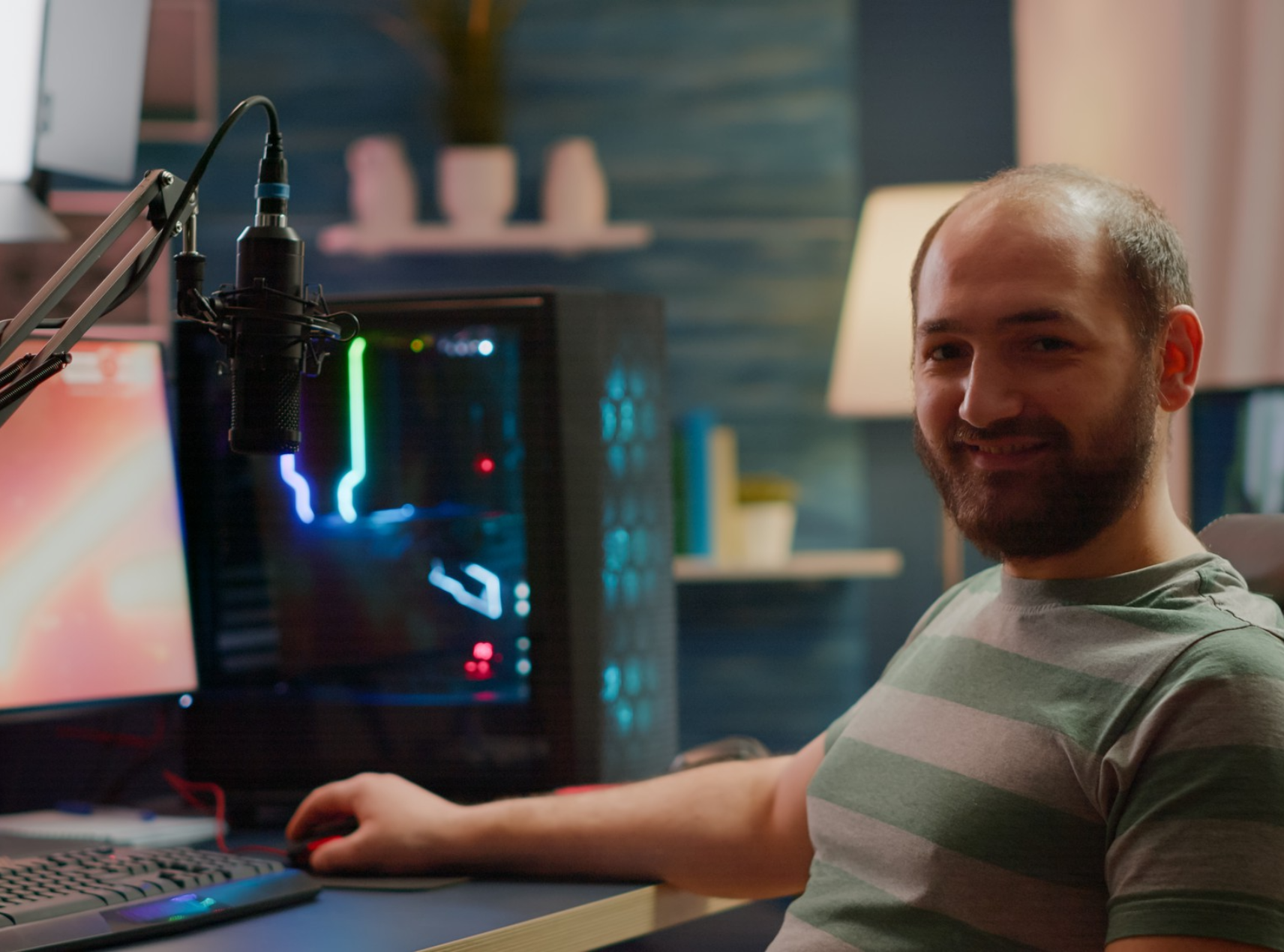
Building a gaming setup is about more than buying the most powerful PC you can find. Your monitor, keyboard, mouse, headset, desk, and chair all affect how comfortable and enjoyable your gaming sessions feel. HiTech Gamer DE gives gamers a convenient place to explore different types of gaming equipment and accessories.
Whether you are upgrading an existing setup or creating your first dedicated gaming station, it helps to understand what each component actually does. A balanced setup can deliver strong performance without spending too much on features you may never use.
Brand Overview
HiTech Gamer DE is an online retailer focused on gaming equipment and accessories. Its range covers several parts of a modern gaming setup, allowing shoppers to explore core hardware and supporting products in one place.
The store features gaming PCs and related equipment alongside peripherals and accessories. Depending on your needs, you can look at products such as monitors, keyboards, mice, headsets, controllers, gaming furniture, and other setup essentials.
This broad selection makes the store suitable for different types of players. Someone who enjoys competitive games may prioritize speed and responsiveness, while a casual gamer may put more emphasis on comfort, appearance, and everyday performance.
Start With the Right Gaming PC
For PC gaming, the computer forms the foundation of your setup. The right system depends on the games you play and the performance you expect.
Before choosing a gaming PC, pay attention to:
- Processor: Handles game calculations and general system tasks.
- Graphics card: Plays a major role in visual quality and gaming performance.
- RAM: Helps the system manage games and other applications efficiently.
- Storage: SSD storage can provide fast loading and quick system response.
- Cooling: Good cooling helps manage heat during demanding sessions.
- Upgrade potential: A flexible system can make future improvements easier.
If you mainly play competitive games, you may have different requirements than someone who plays demanding open-world titles. Think about your actual gaming habits first, then compare systems based on those needs.
Pick a Monitor That Matches Your PC
A powerful computer needs a suitable monitor to show what it can do. When comparing gaming displays, look beyond screen size.
Refresh Rate
Refresh rate describes how many times the display can update the image each second. A higher refresh rate can make fast movement appear smoother, which is particularly useful for competitive gaming.
Resolution
Resolution affects image sharpness and detail. Higher resolutions can produce a more detailed picture, but they also require more graphics performance.
Response Time
A lower response time can help reduce visible motion blur and ghosting during fast scenes. This can be useful for action-heavy and competitive games.
Screen Size and Panel Type
Choose a screen size that suits your desk and viewing distance. Panel technology also affects characteristics such as contrast, colors, viewing angles, and responsiveness.
The best monitor is therefore not simply the one with the highest specification. It should match your PC and the games you enjoy.
Choose Comfortable Gaming Peripherals
Your keyboard, mouse, and headset are the parts of the setup you interact with most often. Comfort and usability should therefore play a major role in your decision.
Gaming Keyboard
Consider the keyboard layout, key feel, size, and features. Mechanical keyboards can offer different switch types and feedback, while compact layouts can save valuable desk space.
Gaming Mouse
Mouse shape, weight, grip style, and sensor performance can all affect comfort and control. A lightweight mouse may suit fast movements, while another player may prefer a heavier design.
Gaming Headset
A good headset should provide comfortable ear cushions, clear sound, and a microphone that allows your teammates to hear you clearly. For competitive games, directional audio can also help you identify important sounds.
Create a More Comfortable Gaming Space
Performance is only one part of a good gaming setup. If your chair or desk is uncomfortable, even excellent hardware cannot make a long gaming session enjoyable.
A suitable gaming chair should provide adequate support, while your desk should offer enough room for your monitor, keyboard, mouse, and other equipment.
Pay attention to your monitor position as well. Placing the screen at a comfortable height can make your setup feel more natural. Keep the keyboard and mouse positioned so that your arms can rest comfortably.
Cable management can also make a noticeable difference. Organizing cables keeps your desk cleaner and makes it easier to access equipment when you need to replace or upgrade something.
Match Your Setup to Your Gaming Style
Your ideal setup depends heavily on what you play.
| Gaming Style | What to Prioritize |
|---|---|
| Competitive games | High refresh rate, responsive mouse, fast keyboard |
| RPG and adventure | Strong graphics performance, detailed display, good headset |
| Racing games | Large display, controller or racing equipment, stable desk |
| Streaming | Powerful PC, microphone, webcam, reliable network |
| Casual gaming | Balanced hardware, comfortable peripherals, practical monitor |
| Multiplayer gaming | Quality headset, responsive controls, clear microphone |
This approach can help you spend your budget where it matters most. You do not necessarily need premium equipment in every category.
Check Compatibility Before Buying
One of the easiest mistakes to make when upgrading a gaming setup is overlooking compatibility. A product can have impressive specifications and still be unsuitable for your current equipment.
Before purchasing, check:
- Connection types
- PC compatibility
- Monitor inputs
- Available desk space
- Product dimensions
- Required accessories
- Power requirements
- Warranty and return information
If you are replacing only one part of your setup, make sure the new product works properly with everything you already own.
A Simple Gaming Setup Checklist
| Equipment | Key Considerations |
| Gaming PC | CPU, GPU, RAM, storage, cooling |
| Monitor | Resolution, refresh rate, size, response time |
| Keyboard | Layout, switches, size, comfort |
| Mouse | Shape, weight, sensor, grip |
| Headset | Sound, microphone, comfort |
| Gaming desk | Size, stability, cable management |
| Gaming chair | Support, adjustability, comfort |
| Accessories | Compatibility and useful features |
FAQs About HiTech Gamer DE
What can I find at HiTech Gamer DE?
HiTech Gamer DE focuses on gaming equipment and accessories, including gaming PCs, monitors, keyboards, mice, headsets, controllers, furniture, and other setup products.
What should I prioritize when buying a gaming PC?
Start with the games you play and your preferred resolution and performance level. Then compare the processor, graphics card, RAM, storage, cooling, and upgrade options.
Is a high refresh rate monitor important?
It can be particularly useful for competitive and fast-paced games because a higher refresh rate can make movement appear smoother. Your PC should also be capable of producing enough frames to benefit from the display.
Do I need premium gaming accessories?
No. The most expensive product is not automatically the best choice for every player. Focus on comfort, compatibility, performance, and the features you will actually use.
A well-designed gaming setup should feel balanced rather than excessive. HiTech Gamer DE provides access to different types of gaming equipment, making it possible to approach your setup one component at a time.
Start with the hardware that has the biggest effect on your gaming experience, then improve your monitor and peripherals. Once the core equipment is right, focus on comfort, organization, and useful accessories. By matching your purchases to your gaming style and checking compatibility before ordering, you can create a setup that works well without unnecessary spending.
For more Home and Tech tips, check out VibeBlossom.
Recent Blogs
-

The Ultimate Lab Charge Air Purifier Showdown: Wall Plug-In Versus USB Desktop Model
-

Joyreal Toys Top Picks for Creative Play
-

Why NH Hotels Should Be Your Go To Choice for European City Breaks
-

Top Picks by INTOLED NL for Modern LED Lighting
-

Fragrance.com EU Review: Is It The Best Place To Buy Designer Perfumes Online?